Design and 3D Print Your Own Bag Tag
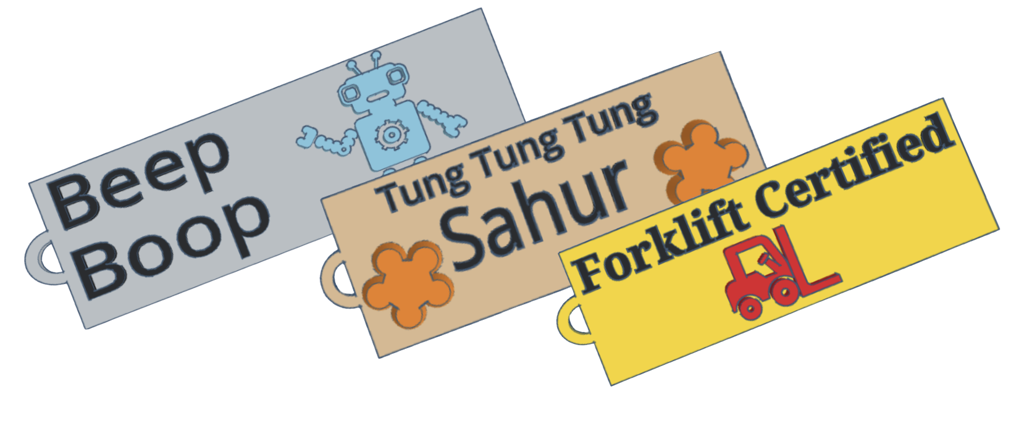
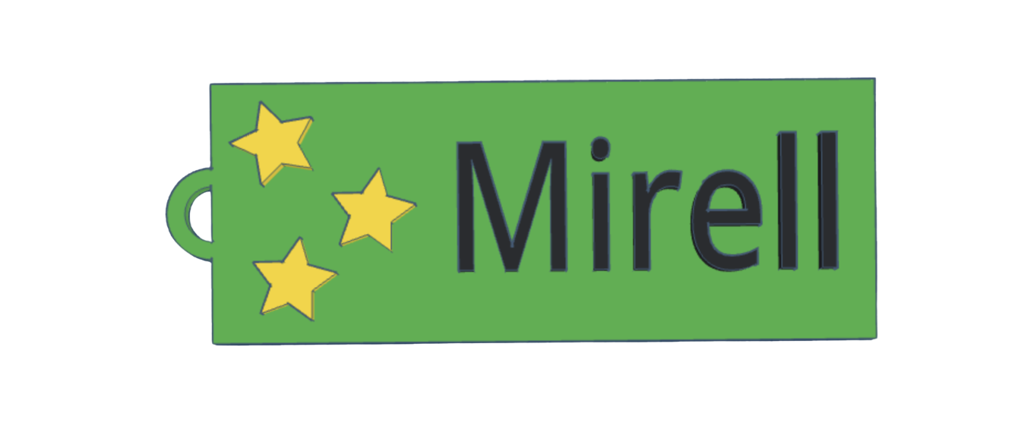
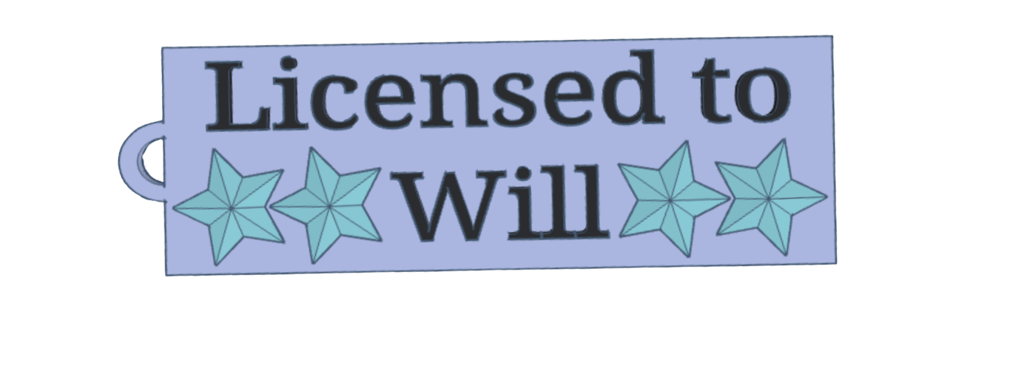
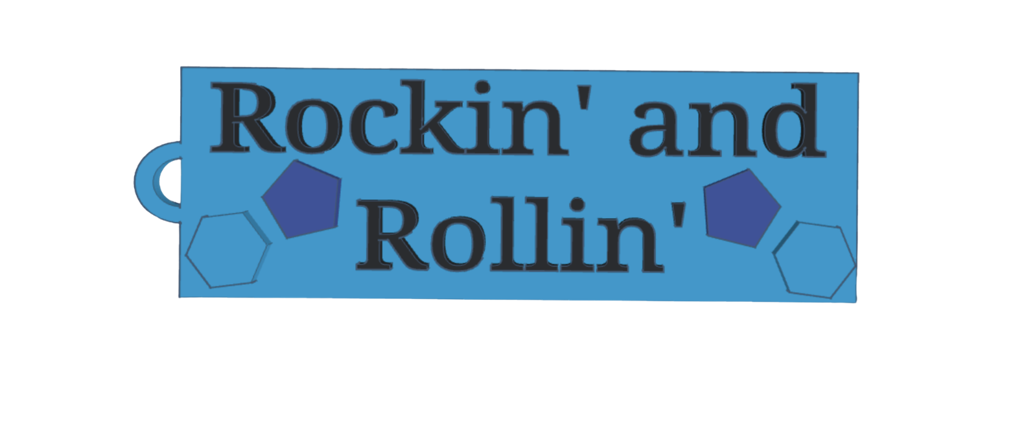
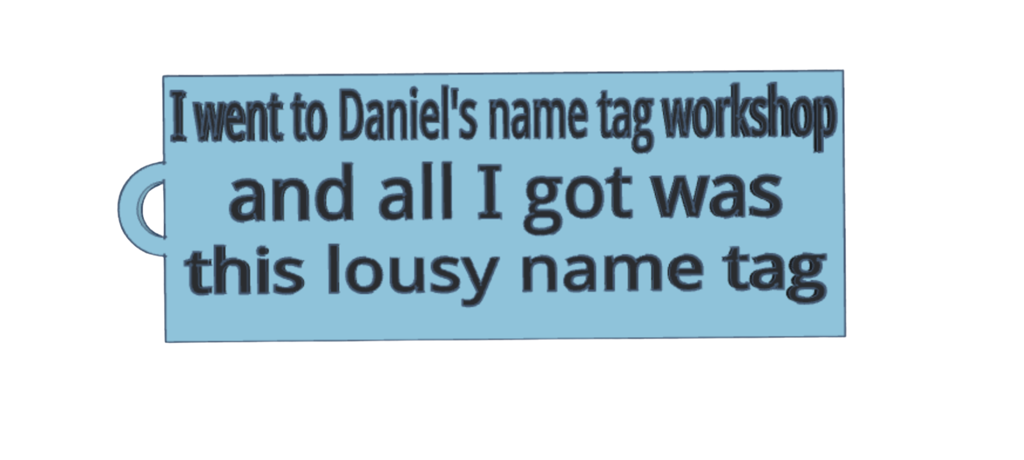
Visitors will be able to use TinkerCAD, a free, easy-to-use 3D design program, to design and personalize their own custom tag for their backpack or luggage. They'll learn the basics of computer-aided design (CAD) and how to lay out different text elements and icons to create their own unique flair for their bag.
Then, they will be able to have their bag tag 3D printed in a color of their choice, which will be printed at the event and ready for them to put on their bag before they leave.
Maker
West Shore Jr/Sr High Makerspace
Hi! We are a group of high schoolers based out of Melbourne, FL with a passion for making things and sharing that passion with others.
In our Makerspace, we have 3D printers, a laser engraver, sewing machines, and anything else a student could want to make something, and we provide these, along with supplies, to our students for free to help them explore their interests.
More to Explore
Browse other exhibits in these categories.